
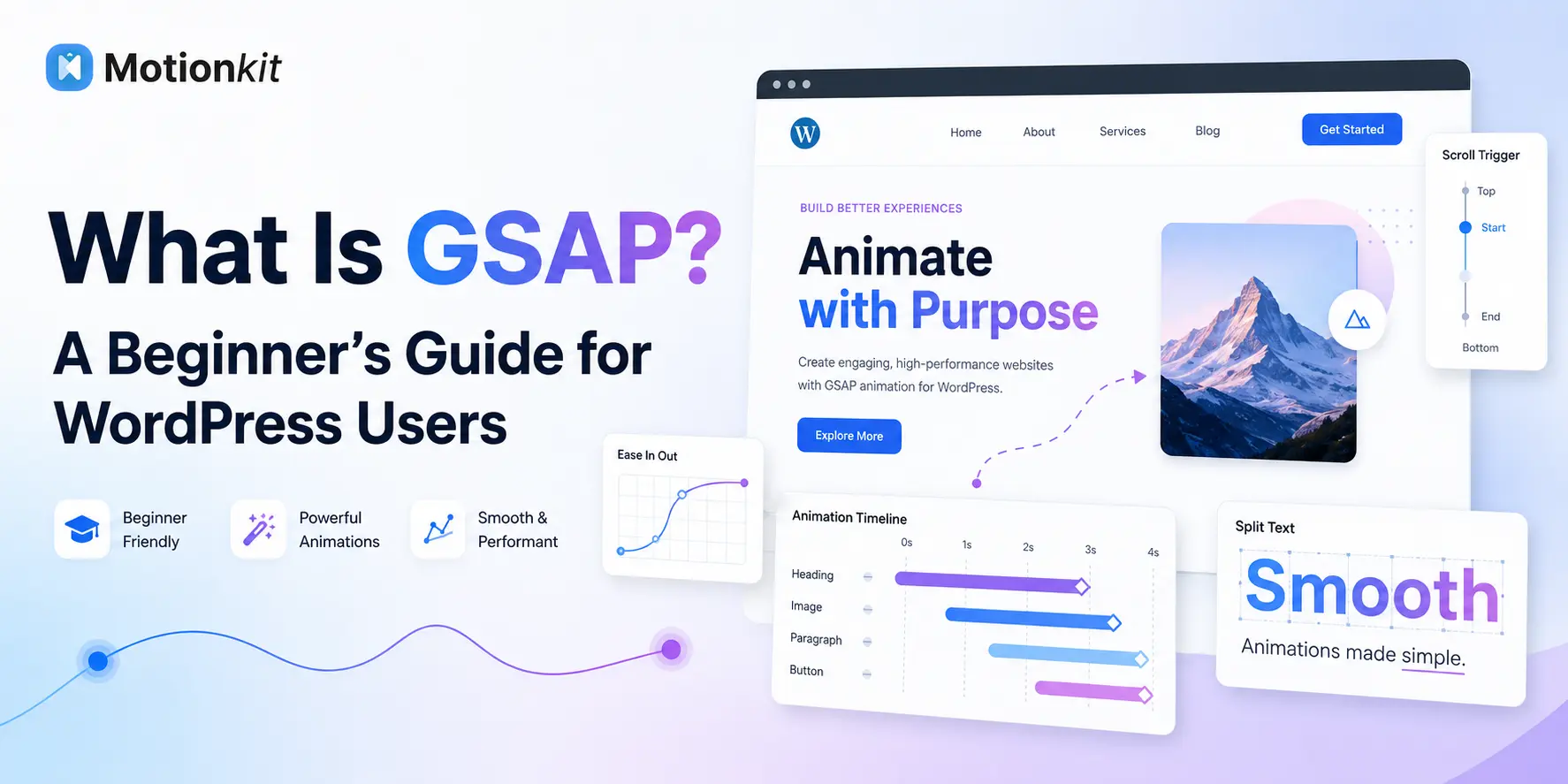
If you’ve ever admired a website where the text slides in as you scroll, the headline reveals letter by letter, or a section stays pinned while content moves around it, there’s a good chance you were looking at GSAP. It’s the animation engine behind a huge share of the web’s most polished motion, and yet most WordPress users have never heard the name.
That assumption used to be fair. GSAP is a JavaScript library, and for years using it meant writing code. So a lot of WordPress users wrote it off as something they’d never touch, even while wanting the exact effects it produces. The gap between “I want my site to move like that” and “I don’t code” left a lot of people stuck with flat, static pages.
This guide will help you to know what GSAP actually is, what it does, why so many premium sites rely on it, and, importantly, how WordPress users can now use its power without writing a single line of JavaScript.
Quick Answer
GSAP (GreenSock Animation Platform) is a professional JavaScript animation library used to create smooth, high-performance web animations, including scroll-triggered reveals, split-text headings, parallax, and pinned sections. It is popular because it is fast, reliable across browsers, and more capable than basic CSS animation for complex motion. Traditionally, GSAP required coding, but no-code tools like MotionKit now let WordPress users build GSAP animations with visual controls instead of JavaScript.
What GSAP Actually Is (in Plain English)
Let’s start with the name, because it explains a lot. GSAP stands for GreenSock Animation Platform. GreenSock is the company that makes it, and the “animation platform” part is the point: it’s a toolkit specifically built to animate things on a web page.
Technically, GSAP is a JavaScript library. That sounds intimidating, but the idea is simple. A library is a pre-written set of tools that handles hard work for you, so instead of building animation from scratch, you use GSAP’s ready-made tools to move, fade, scale, and sequence elements on your site. Think of it like a set of professional-grade tools versus making your own by hand: GSAP already solved the difficult parts of smooth, reliable web animation, so you don’t have to.
What makes GSAP stand out is that it was built for serious animation. Basic web animation (simple CSS fades and hovers) works fine for small effects, but it struggles with anything complex, precise sequences, scroll-based motion, animating text character by character. GSAP was designed exactly for that harder territory, which is why it powers so much of the motion you see on award-winning sites.
The one catch, historically, is that “JavaScript library” meant you needed to write JavaScript to use it. That’s the part that kept most WordPress users away, and it’s also the part that’s changed, which we’ll get to.
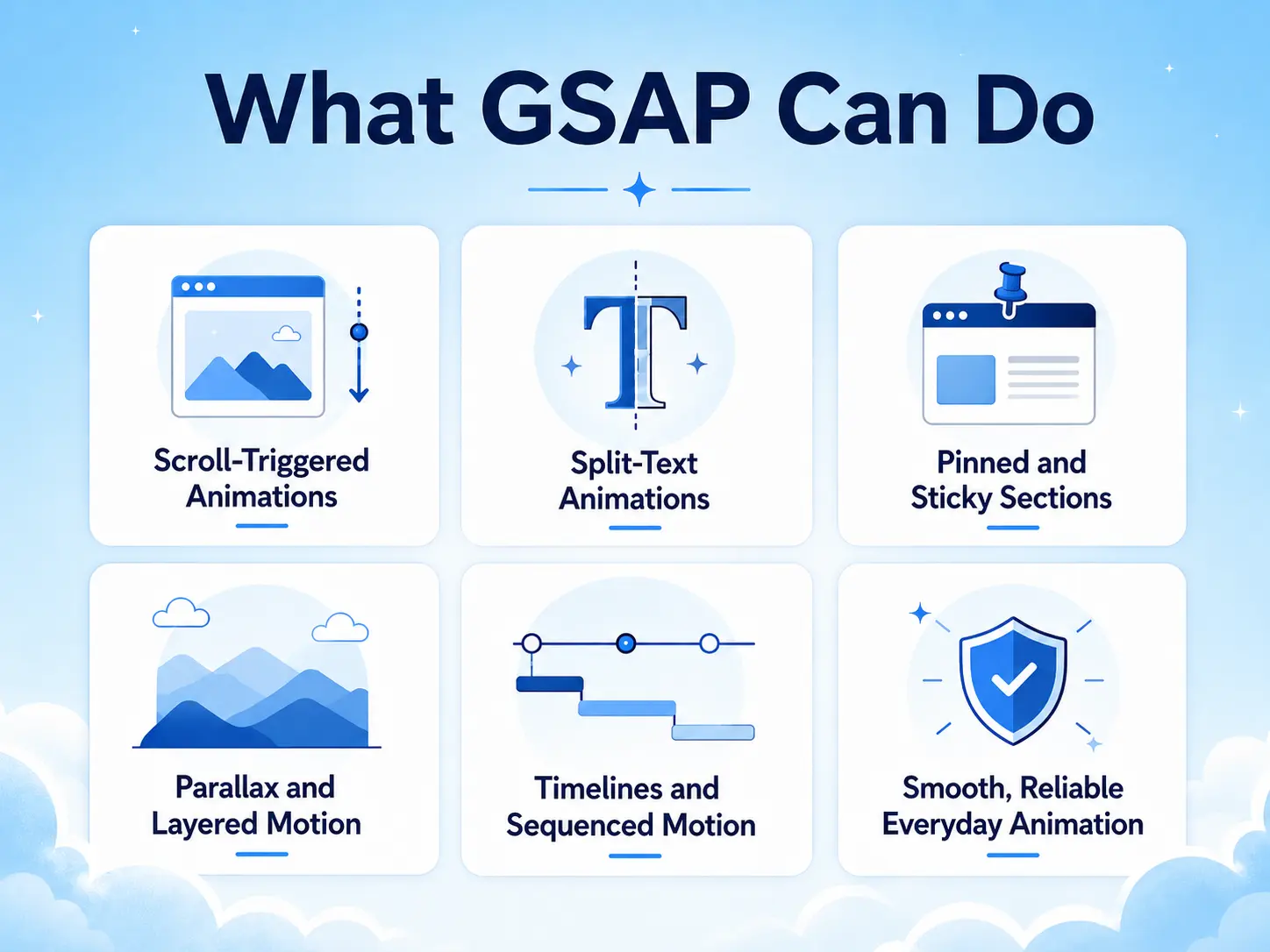
What GSAP Can Do
To understand why GSAP matters, it helps to see the specific effects it’s known for. These are the animations that give a site its premium feel.
Scroll-Triggered Animations
GSAP’s most famous capability (through a feature called ScrollTrigger) is animating things as the user scrolls. Content reveals as you reach it, elements slide or fade into view, and sections respond to scroll position. This is what makes a page feel alive and interactive instead of static.
Split-Text Animations
Using a feature called SplitText, GSAP can animate a headline letter by letter or word by word, so text assembles itself on screen. This effect is nearly impossible to do cleanly without a tool like GSAP, and it’s a signature of high-end sites.
Pinned and Sticky Sections
GSAP can “pin” a section in place while content changes or scrolls around it, the storytelling effect where a visual stays put while points appear one by one. It turns a long explanation into an interactive sequence.
Parallax and Layered Motion
GSAP creates depth by moving background and foreground layers at different speeds as you scroll, the parallax effect that adds a sense of dimension to a page.
Timelines and Sequenced Motion
This is GSAP’s real superpower. A timeline lets you choreograph many animations in precise relationship, this starts, then that overlaps, then a third follows, like arranging clips on a video editor’s timeline. Complex, coordinated motion that would be a nightmare to build otherwise becomes manageable.
Smooth, Reliable Everyday Animation
Beyond the flashy effects, GSAP also handles the basics, fades, slides, scales, rotations, smoothly and consistently across every browser, which is harder than it sounds to get right by hand.
GSAP vs Basic Web Animation
| Factor | Basic CSS Animation | GSAP |
| Best for | Simple hovers, fades, spinners | Complex, sequenced, scroll-driven motion |
| Scroll animation | Limited | Excellent (ScrollTrigger) |
| Split-text | Impractical | Built-in (SplitText) |
| Sequencing many elements | Hard to manage | Easy (timelines) |
| Browser consistency | Varies | Very consistent |
| Skill needed (traditionally) | CSS-level | JavaScript-level |
| Skill needed (with no-code tools) | — | Designer-level, no code |
GSAP isn’t a replacement for simple CSS effects, it’s the tool for the complex motion CSS struggles with. Many sites use both.
Why WordPress Users Should Care About GSAP
You might be thinking: that’s great for developers, but I run a WordPress site. Here’s why GSAP is relevant to you specifically.
The animations GSAP produces are exactly the ones that make a site look professionally built. In 2026, visitors expect motion, content that reveals on scroll, headings that animate in, interfaces that respond. A flat, static WordPress site increasingly reads as dated, and that impression affects how visitors judge your business before they’ve read a word. GSAP-quality animation is a big part of what separates a template-looking site from a premium one.
The problem has always been access. Because GSAP required JavaScript, WordPress users faced a hard choice: learn to code, hire a developer, or go without. Most went without, which is why so many WordPress sites still look static even though the owners would love the motion. The demand was there; the skill barrier was in the way.
That barrier is what changed. No-code animation tools now bring GSAP’s engine into WordPress through visual controls, meaning you can build the same scroll reveals, split-text headings, and pinned sections that developers create, using settings instead of scripts. For WordPress users, that’s the whole story: GSAP stopped being a developer-only tool and became something a designer or site owner can actually use.
Examples and Use Cases
Seeing where GSAP shows up on real sites makes it concrete.
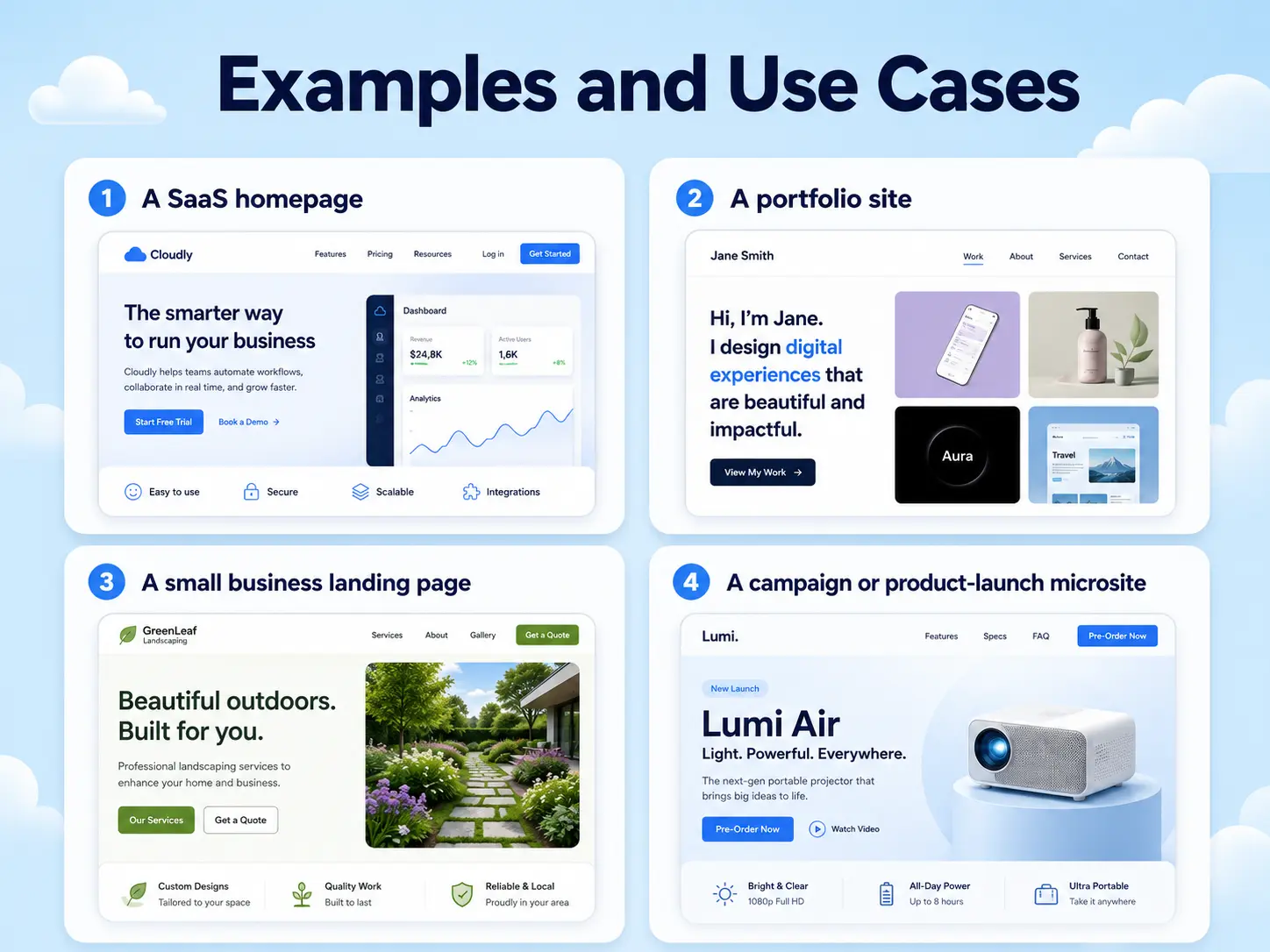
A SaaS homepage
The hero headline reveals with a split-text effect, feature cards fade in as you scroll to them, and a pinned section walks through the product step by step. That polished, guided feel is GSAP at work.
A portfolio site
Projects slide in as you scroll, the gallery scrolls horizontally, and the intro text animates in. For creative professionals, the motion itself is part of the impression, and GSAP is usually behind it.
A small business landing page
Sections fade in gently, stats count up as they enter view, and a subtle parallax adds depth to the hero. Even light GSAP motion makes the difference between a site that feels invested-in and one that feels like an afterthought.
A campaign or product-launch microsite
Scroll storytelling, choreographed reveals, pinned sections, these motion-heavy experiences are almost always built on GSAP because it’s the tool that handles that level of coordination.
The common thread: any time a WordPress site feels genuinely premium and interactive, GSAP (or a tool built on it) is often the reason. Recognizing it is the first step to being able to use it yourself.
Benefits of Using GSAP
Understanding GSAP’s benefits helps you decide whether it belongs in your toolkit.
You get professional-quality motion because GSAP is the same engine behind award-winning sites, so your animation matches a premium standard rather than looking basic. You get reliability, because GSAP smooths over browser quirks and behaves consistently everywhere, so effects don’t break on one browser. You get capability, because complex, scroll-driven, and sequenced animation that’s impractical in CSS becomes achievable. And you get performance, because GSAP is highly optimized and, used correctly, produces smooth motion without dragging your site down.
For WordPress users specifically, the biggest benefit is access to all of the above without needing to become a developer, provided you use a no-code tool to reach it. That combination, developer-grade animation with designer-level effort, is what makes GSAP worth understanding.
Common Misconceptions About GSAP
Beginners often carry a few wrong assumptions about GSAP. Clearing them up helps.
“GSAP is only for developers.” This used to be true but isn’t anymore. No-code tools now expose GSAP’s power through visual controls, so non-coders can use it.
“GSAP will slow down my site.” GSAP is a lightweight, highly optimized library. Slowdowns come from misusing animation (too many effects, animating the wrong properties), not from GSAP itself.
“GSAP replaces CSS animation.” It doesn’t. CSS is still best for simple hovers and transitions. GSAP is for the complex, scroll-driven motion CSS can’t handle well. Most sites use both.
“GSAP is expensive or hard to license.” GSAP became free to use in its most recent era, though this is worth verifying against the current official terms before relying on it. Cost is rarely the real barrier, skill was, and no-code tools removed that.
“I need to understand JavaScript to use GSAP.” Not if you use a no-code tool. The tool handles the JavaScript; you work with visual settings.
How MotionKit Helps
If GSAP is the engine and JavaScript was the barrier, MotionKit is what removes the barrier for WordPress users. MotionKit brings GSAP-powered animation into WordPress through visual controls, so you get GSAP’s capabilities without writing any code.
In practice, that means the effects you just read about, ScrollTrigger scroll reveals, SplitText headings, pinned sections, parallax, and smooth everyday motion, become settings you configure visually rather than JavaScript you write. You choose the effect, set the timing and trigger, preview it, and adjust it like any other design option. The GSAP engine does the heavy lifting underneath; you stay in a familiar, no-code workflow on top.
Note
For a WordPress beginner, that’s the shortest path from “I want my site to animate like that” to actually doing it. You don’t need to learn a programming language or hire a developer to get GSAP-quality motion. MotionKit won’t turn you into a JavaScript animator, and it isn’t meant to, but for using GSAP’s power on a WordPress site, it’s built to make that accessible from day one.
Conclusion
GSAP, the GreenSock Animation Platform, is the professional JavaScript library behind a huge share of the web’s best motion. It’s what powers scroll-triggered reveals, split-text headings, pinned storytelling sections, parallax, and the precisely coordinated animation that makes a site feel premium rather than static. It isn’t a replacement for simple CSS effects; it’s the tool for the complex, scroll-driven motion that CSS can’t handle well.
For WordPress users, the key takeaway is that GSAP is no longer off-limits. The skill barrier that kept it in developer territory, the need to write JavaScript, has been removed by no-code tools that bring its power into a visual, WordPress-friendly workflow.
The next step is simple: look at the kind of animation you want on your site, recognize that GSAP is likely what produces it, and explore a no-code tool that lets you build it without code.
FAQs
GSAP stands for GreenSock Animation Platform. GreenSock is the company that created it, and it’s a JavaScript library built specifically for creating smooth, high-performance web animations.
GSAP is used to create advanced web animations: scroll-triggered reveals, split-text headings, parallax, pinned sections, and precisely sequenced motion using timelines. It’s the engine behind much of the premium animation you see on high-end websites.
Neither is universally better, they’re for different jobs. CSS is best for simple effects like hovers and spinners. GSAP is best for complex, sequenced, and scroll-driven animation that CSS struggles with. Most professional sites use both.
Traditionally, yes, GSAP is a JavaScript library. But no-code tools like MotionKit now let WordPress users build GSAP animations through visual controls, so you can use its power without writing any JavaScript.
Yes. You can use GSAP on WordPress either by adding code (developer route) or, more simply, through a no-code animation tool like MotionKit that brings GSAP’s effects into WordPress with visual settings instead of scripts.
Not inherently. GSAP is lightweight and highly optimized. Performance problems usually come from overloading a page with effects or animating the wrong properties, which happens with any animation method. Used with best practices, GSAP’s impact is minimal.
GSAP’s licensing has changed over time, and in its most recent era it became free to use. Because licensing terms can change, check GreenSock’s official site for the current terms before making decisions based on cost.