
For years, the honest answer to “do you need code to animate a WordPress site?” was basically yes. If you wanted anything beyond a simple CSS fade, you were writing JavaScript, wiring up GSAP by hand, or hiring a developer. Animation was the line that separated a template-looking site from a premium one, and crossing that line meant code.
In 2026, that’s no longer true. The question has quietly shifted from “can I animate without code?” to “where’s the line between what no-code tools handle and what still needs a developer?”
This guide answers that directly. You’ll see exactly what you can animate WordPress site without code, where code still earns its place, and how modern GSAP-powered tools like MotionKit closed most of the gap.
Why This Question Changed in 2026
The short answer used to be “you need code.” Understanding why that flipped explains what’s actually possible now, and where the remaining limits are.
The core reason is that GSAP, the animation engine behind most premium web motion, became accessible through visual interfaces. GSAP itself is a JavaScript library; historically, using it meant writing JavaScript. What changed is that animation plugins started wrapping GSAP’s power (ScrollTrigger, SplitText, timelines) in visual controls, so the engine that developers rely on is now driveable with sliders, toggles, and dropdowns instead of code.
At the same time, client expectations rose. Motion went from a nice-to-have to a baseline. Visitors in 2026 expect content to reveal as they scroll, headings to animate in, and interfaces to respond to interaction. A static site now reads as dated. That demand pushed no-code tools to cover the effects people actually ask for, rather than just the basics.
The result is a genuine shift in who can produce premium animation. Effects that once required a developer and a budget are now within reach of any designer working in Elementor or the block editor. The line didn’t disappear entirely, but it moved far enough that most projects never reach it.
What You Can Animate Without Code
Before deciding whether you need a developer, it helps to see how much is now handled visually. This list covers what no-code tools reliably do in 2026.
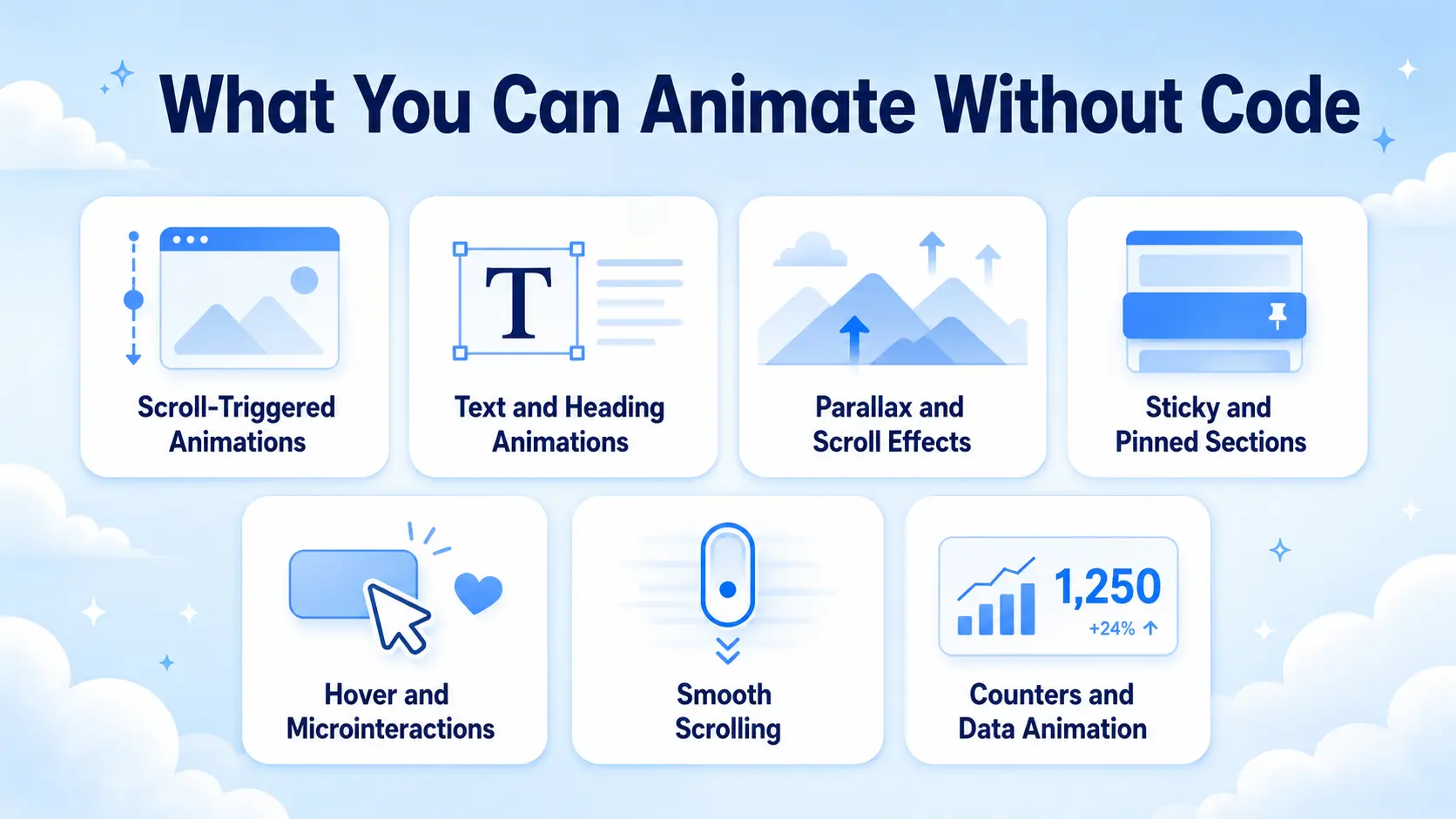
Scroll-Triggered Animations
Revealing elements as the user scrolls, fades, slides, staggered card entrances, is fully no-code now. Tools built on ScrollTrigger let you set the trigger point, direction, distance, and timing with visual controls. This alone covers a huge share of what people mean by “animated website.”
Text and Heading Animations
Split-text reveals (animating a headline letter by letter or word by word), typing effects, and animated entrances for headings are available without code. These used to require the GSAP SplitText plugin and hand-written JavaScript; now they’re a few settings.
Parallax and Scroll Effects
Background parallax, scroll-based movement, and layered depth effects are standard no-code features. You set the speed and axis visually and the tool handles the math.
Sticky and Pinned Sections
Pinning a section while content scrolls around it, the “storytelling” effect where a visual stays put while points change, is now configurable without code. This was one of the harder GSAP effects to hand-build, and it’s now a toggle in the better tools.
Hover and Microinteractions
Button hover states, card lift effects, icon animations, and other small interactive responses can be added visually. These make an interface feel responsive without any scripting.
Smooth Scrolling
Site-wide smooth scrolling (the momentum-based scroll feel common on premium sites) is a no-code setting in modern animation tools, where it once needed a dedicated JavaScript library and configuration.
Counters and Data Animation
Numbers that count up on scroll, progress bars that fill, and animated stats are standard no-code elements, useful for social proof and making data memorable.
What Still Benefits From Code
No-code covers most needs, but it’s honest to name where custom code still has an edge. Knowing this helps you decide whether your specific project is a no-code job or a developer job.
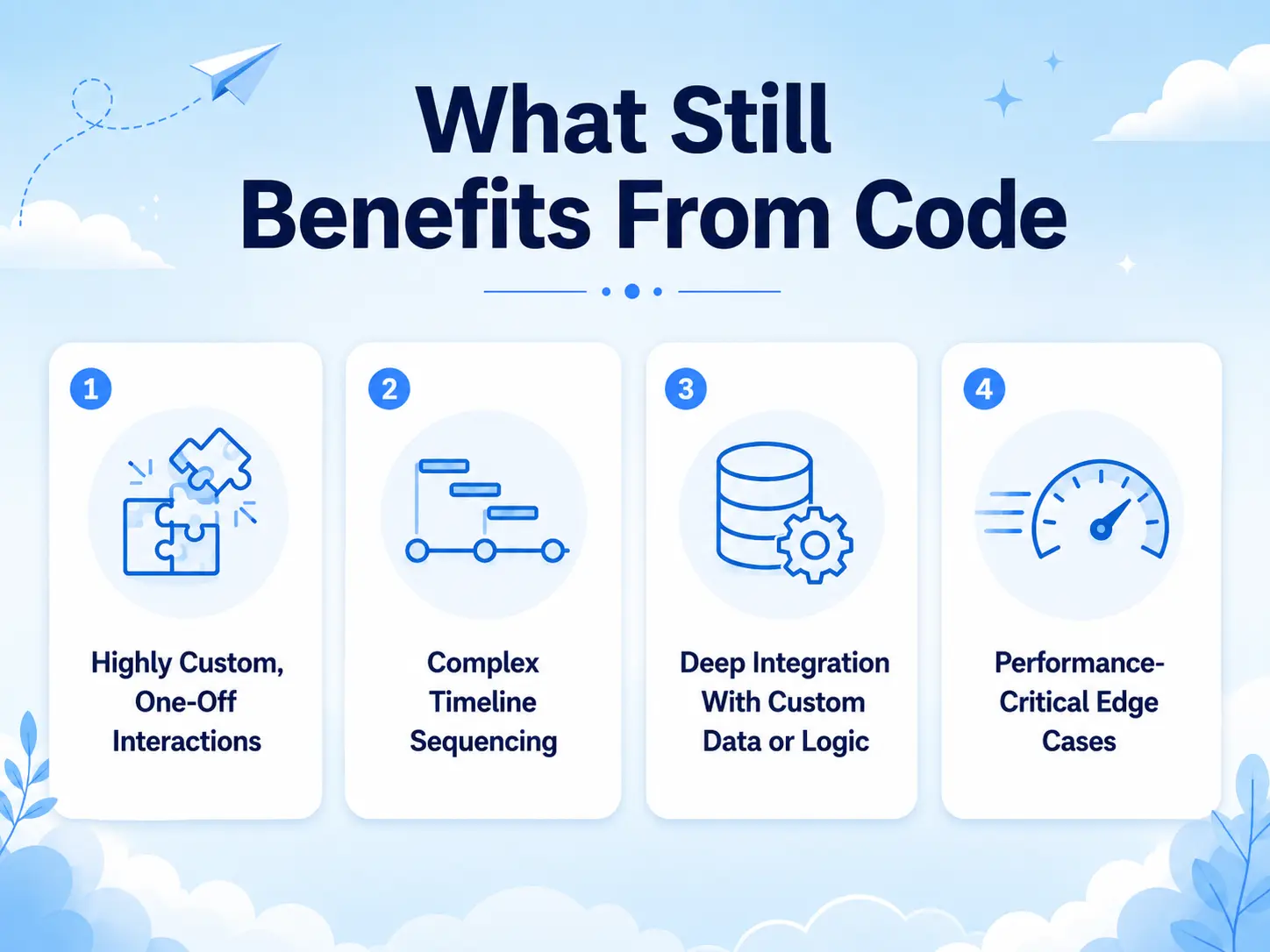
Highly Custom, One-Off Interactions
If you need a bespoke interaction that doesn’t fit any preset, an unusual cursor-driven effect, a custom canvas or WebGL animation, a game-like interaction, code is still the way. No-code tools cover common patterns; truly unique concepts often exceed them.
Complex Timeline Sequencing
For intricate, precisely choreographed sequences where dozens of elements animate in exact relationship to each other, hand-written GSAP timelines give finer control than most visual panels. Visual tools handle sequenced reveals well, but the most complex choreography can still hit a ceiling.
Deep Integration With Custom Data or Logic
Animations that respond to live data, user state, or custom application logic, an effect that changes based on a database value or a user’s cart, usually need code to wire the animation to that logic.
Performance-Critical Edge Cases
Most no-code output is well-optimized, but a developer optimizing a specific, animation-heavy experience by hand can sometimes squeeze out performance a general-purpose tool won’t. This matters only at the extreme end.
The honest takeaway: for the overwhelming majority of WordPress sites, marketing pages, business sites, portfolios, landing pages, blogs, none of these edge cases apply. Code becomes relevant mainly for bespoke, app-like, or highly custom experiences.
No-Code vs. Code Animation Compared
| Factor | No-Code Animation | Custom Code (GSAP/JS) |
| Common effects (scroll, text, parallax, pin) | Fully covered | Fully covered |
| Speed to build | Minutes to hours | Hours to days |
| Skill required | Designer-level | Developer-level |
| Cost | Plugin license | Developer time |
| Highly custom one-off interactions | Limited | Full control |
| Complex timeline choreography | Good | Best |
| Maintenance | Update the plugin | Maintain custom code |
| Best for | Most WordPress sites | Bespoke/app-like builds |
Examples and Use Cases
Mapping real projects to the code-or-no-code decision makes it concrete.
A freelancer building a client landing page – Scroll reveals on features, a split-text hero headline, animated counters for social proof, and hover effects on buttons. Every one of these is no-code in 2026, so the freelancer ships premium motion in an afternoon without hiring a developer.
A designer delivering a portfolio – Horizontal scroll on the project gallery, staggered reveals, an animated intro. All achievable visually. The motion is part of the impression, and the designer controls it directly without a code handoff.
A small business owner refreshing their site – They want the site to feel modern: sections that fade in, a parallax hero, smooth scrolling. All no-code. They’d have paid a developer for this a few years ago; now it’s a plugin and a weekend.
An agency building a data-driven web app – Animations that respond to live user data and a custom interactive product demo. This is where code still earns its place, the bespoke logic exceeds preset tools, so a developer builds the custom interactions.
A marketer running a campaign microsite – Scroll storytelling with pinned sections, animated stats, text reveals. No-code handles all of it, letting the marketer launch fast without an engineering ticket.
The pattern is clear: standard marketing and content sites are firmly no-code territory now. Code re-enters only for custom, app-like, or logic-driven experiences, which are the exception, not the rule.
Benefits of Animating Without Code
Choosing the no-code path isn’t just about avoiding JavaScript. It changes what’s possible for whom.
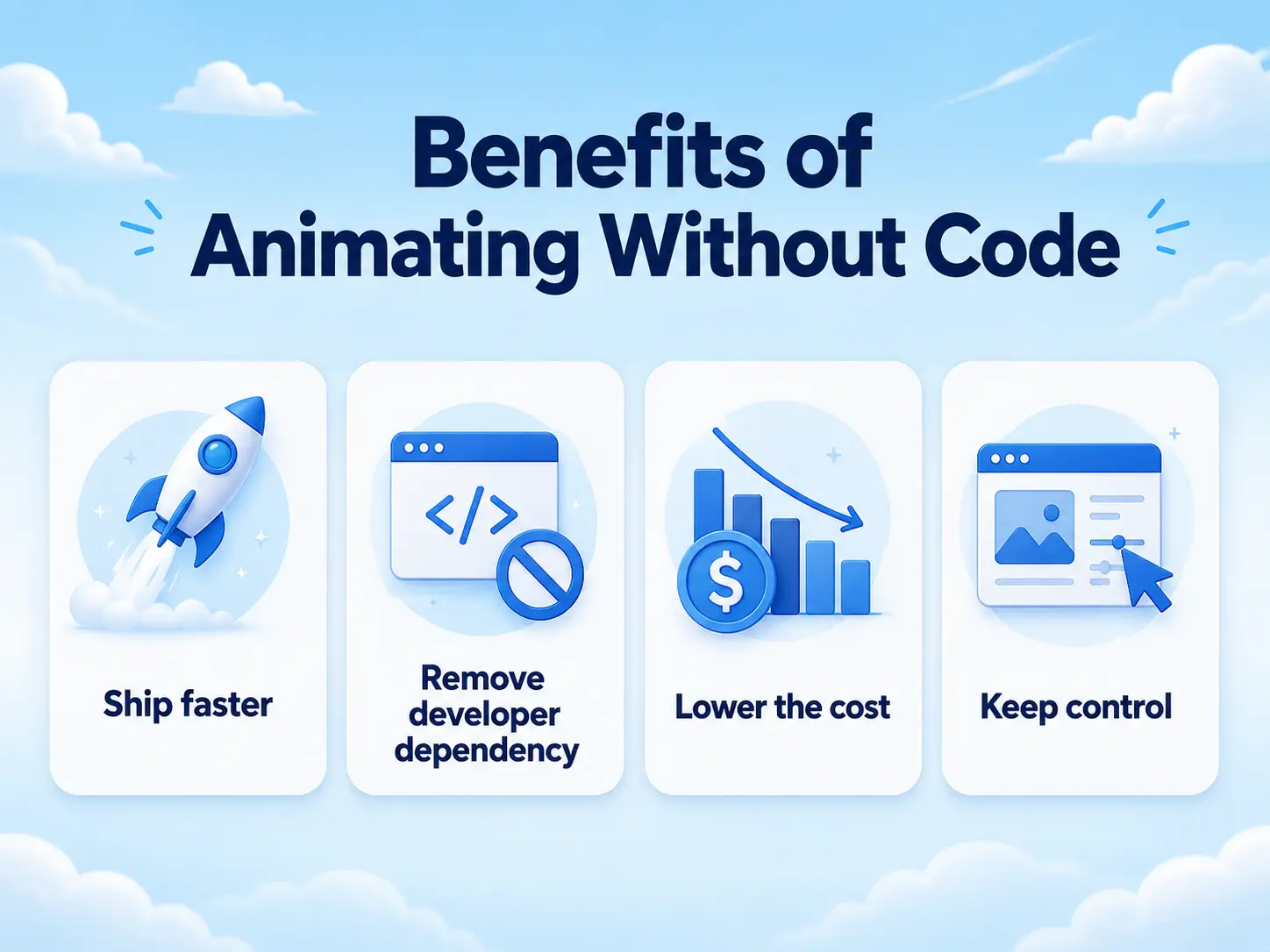
- Ship faster for building an effect visually takes minutes instead of the hours a hand-coded version needs.
- Remove developer dependency for designers and site owners who can add and adjust animation themselves, without a code handoff for every tweak.
- Lower the cost because a plugin license replaces developer hours, which is decisive for freelancers and small businesses.
- Keep control, because when the client wants the animation slower or the trigger point moved, you change a setting instead of filing a request and waiting.
For freelancers and agencies, this translates directly into margin: faster delivery and premium motion without engineering cost means more projects and higher rates. For non-developers, it means the design ceiling that code used to gate is now open to them.
Common Mistakes to Avoid
Even with great tools, people get the code-or-no-code decision wrong in a few predictable ways.
Assuming you still need a developer for everything. Many people over-hire because they don’t realize how much is no-code now. Check what a modern tool covers before budgeting for custom code.
Reaching for code too early. Writing custom GSAP for an effect a plugin already offers wastes hours and creates maintenance debt. Use presets first; code only when you truly exceed them.
Choosing a weak tool and blaming no-code. Not all animation plugins are equal. A limited tool can make no-code feel inadequate when the real issue is the tool, not the approach.
Ignoring performance regardless of method. No-code doesn’t excuse bad practice. Overloading a page with effects hurts speed whether they’re coded or configured.
Skipping mobile and accessibility. Whether you code or not, tune effects for mobile and respect reduced-motion settings. Good tools make this a setting; don’t leave it off.
Forcing custom logic into no-code tools. If your animation genuinely needs live data or bespoke logic, don’t fight a visual tool to fake it, that’s the case where code is the right answer.
How MotionKit Helps
If the honest answer in 2026 is “you probably don’t need code,” MotionKit is what makes that true for WordPress. MotionKit brings GSAP-powered animation to WordPress through visual controls, so the effects that used to require JavaScript, scroll-triggered reveals, split-text headings, parallax, sticky/pin sections, smooth scrolling, and hover microinteractions, are built with settings instead of scripts.
Because MotionKit is built on GSAP, you’re not trading power for convenience. You get the same animation engine developers use, driven through an interface a designer can operate. You set trigger points, timing, and direction visually, preview the result, and adjust it as easily as any other design setting, no code handoff, no waiting on a developer for a small change.
That’s the practical answer to the question in the title: for the vast majority of WordPress sites, MotionKit covers the animation you need without code. It won’t replace a developer for a bespoke, app-like build with custom logic, but for marketing pages, business sites, portfolios, and landing pages, it removes code from the equation entirely.
Conclusion
In 2026, the honest answer to “do you need code to animate a WordPress site?” is no, not for the vast majority of projects. The effects that once defined a developer-built site, scroll reveals, split-text headings, parallax, pinned storytelling, smooth scrolling, are now built visually, powered by the same GSAP engine underneath. The line between no-code and code moved far enough that most sites never reach it.
Code still matters for the exceptions: bespoke interactions, complex choreography, and animation tied to custom logic or live data. But those are app-like, specialist builds, not the marketing pages, business sites, and portfolios most people are making. For those, reaching for code first now costs time and money you don’t need to spend.
FAQs
No. Modern no-code animation tools handle the vast majority of professional effects, including scroll reveals, split-text animation, parallax, sticky/pin sections, and smooth scrolling, using visual controls powered by GSAP. Code is only needed for highly custom, one-off interactions or complex app-like logic.
Yes. Tools like MotionKit wrap GSAP (including ScrollTrigger and SplitText) in a visual interface, so you can build GSAP-powered scroll animations, text effects, parallax, and pinned sections without writing any JavaScript.
No-code tools cover common animation patterns extremely well. Where code still helps is truly bespoke one-off interactions, complex custom timeline choreography, animations tied to live data or app logic, and extreme performance optimization, which are rare for standard marketing and content sites.
Not for common effects. Because tools like MotionKit run on GSAP, the underlying quality and performance can match hand-coded work for standard animations. The difference shows only in highly custom or logic-driven builds, where code offers more control.
It doesn’t have to. Well-built tools load efficiently and run smoothly, and GSAP is highly optimized. Performance problems usually come from overloading a page with too many effects, which happens with coded animation too. Keep effects purposeful and your site stays fast.
Only if your project genuinely exceeds no-code capabilities, a bespoke interactive experience, custom data-driven motion, or unusual one-off interactions. For most WordPress sites, a no-code tool delivers the animation you need faster and at a lower cost than custom development.