
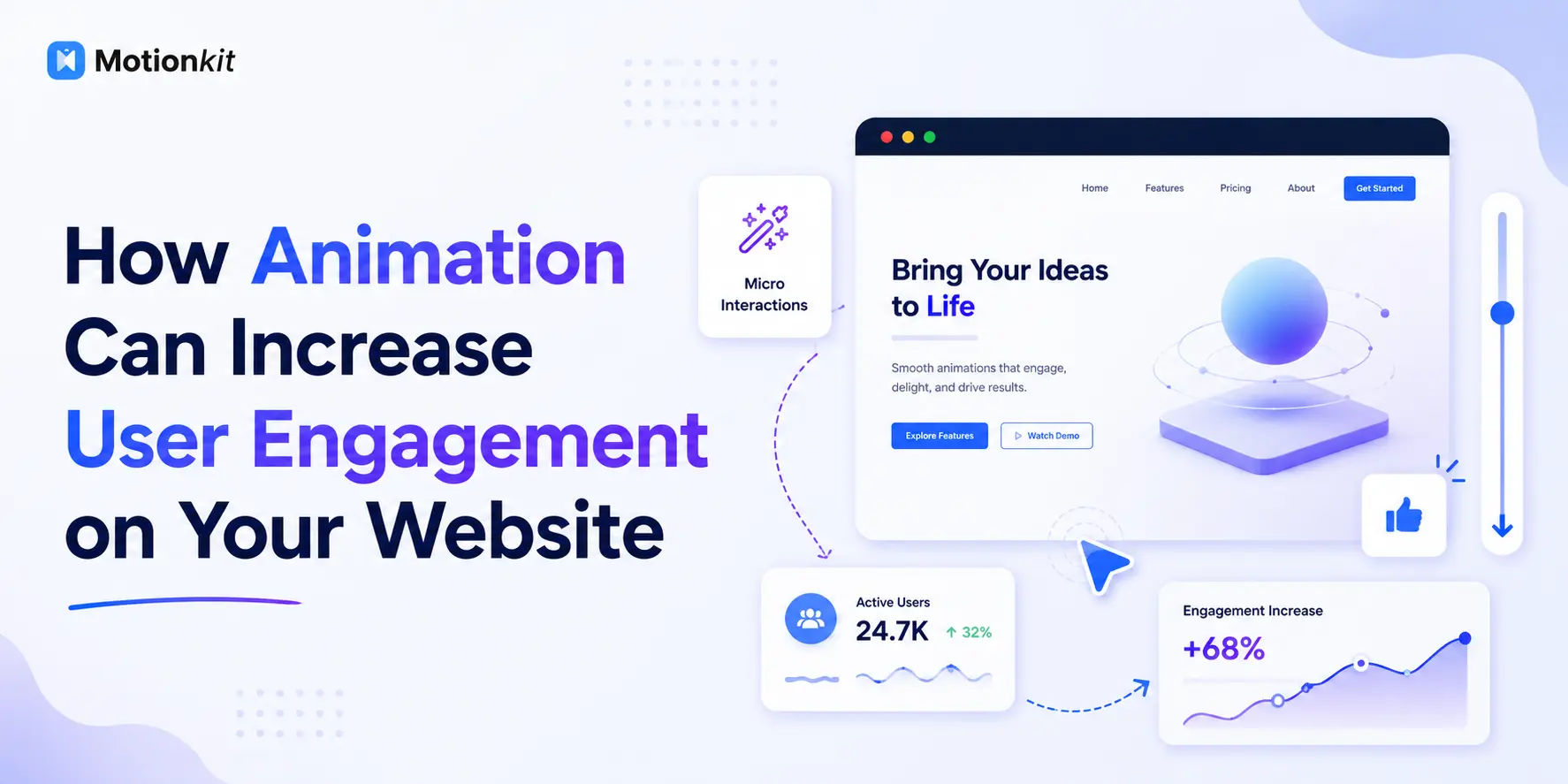
Most websites lose visitors in the first few seconds, and it usually isn’t because of the content. It’s because nothing on the page signals that the content is worth staying for. A static wall of text and images gives a visitor no reason to keep scrolling, no sense of hierarchy, and no feedback when they interact. Animation changes that.
Animation guides attention, communicates what matters first, and rewards interaction, which is exactly what keeps people on a page longer and moving toward a goal.
This guide breaks down how animation actually increases user engagement, backed by the psychology behind why it works and the mistakes that quietly hurt your numbers. You’ll see which animations to prioritize, how to measure and how tools like MotionKit let you add professional, GSAP-powered motion in WordPress without writing a line of code.
Quick Answer: Animation increases user engagement by directing attention, creating visual hierarchy, and providing feedback during interactions. Scroll-triggered reveals encourage users to keep scrolling, microinteractions make interfaces feel responsive, and motion guides attention toward key content and calls to action. This can improve time on page, reduce bounce rates, and support higher conversions when animations are purposeful, fast, and performance-friendly.
Why Animation Affects Engagement in the First Place
Before choosing effects, it helps to understand why motion works on human attention, because that’s what separates animation that engages from animation that annoys.
Human eyes are wired to notice movement. It’s an instinct, and it means a well-placed animation captures attention almost automatically, without the user having to search the page. When you animate a heading into view or reveal a section as someone scrolls to it, you’re using that instinct to say “look here next.” That’s the core of engagement: giving the eye a clear path through the page instead of dropping everything on screen at once.
Motion also communicates relationships and hierarchy. When elements enter in sequence, users understand order and importance without reading a single instruction. A hero headline that appears first, then a subheading, then a button, tells a story in the right sequence. A static version of the same layout forces the visitor to figure out the priority themselves, and many won’t bother.
Finally, animation provides feedback, and feedback builds trust. When a button reacts to a hover, a form field confirms input, or a menu slides open smoothly, the interface feels alive and responsive. That responsiveness reassures users that the site works and that their actions register, which keeps them interacting instead of second-guessing. Engagement isn’t just about grabbing attention once; it’s about making every interaction feel worth repeating.
What to Look for in Engagement-Driving Animation
Not all motion helps. Before adding effects, know the criteria that separate animation that increases engagement from animation that quietly costs you visitors.
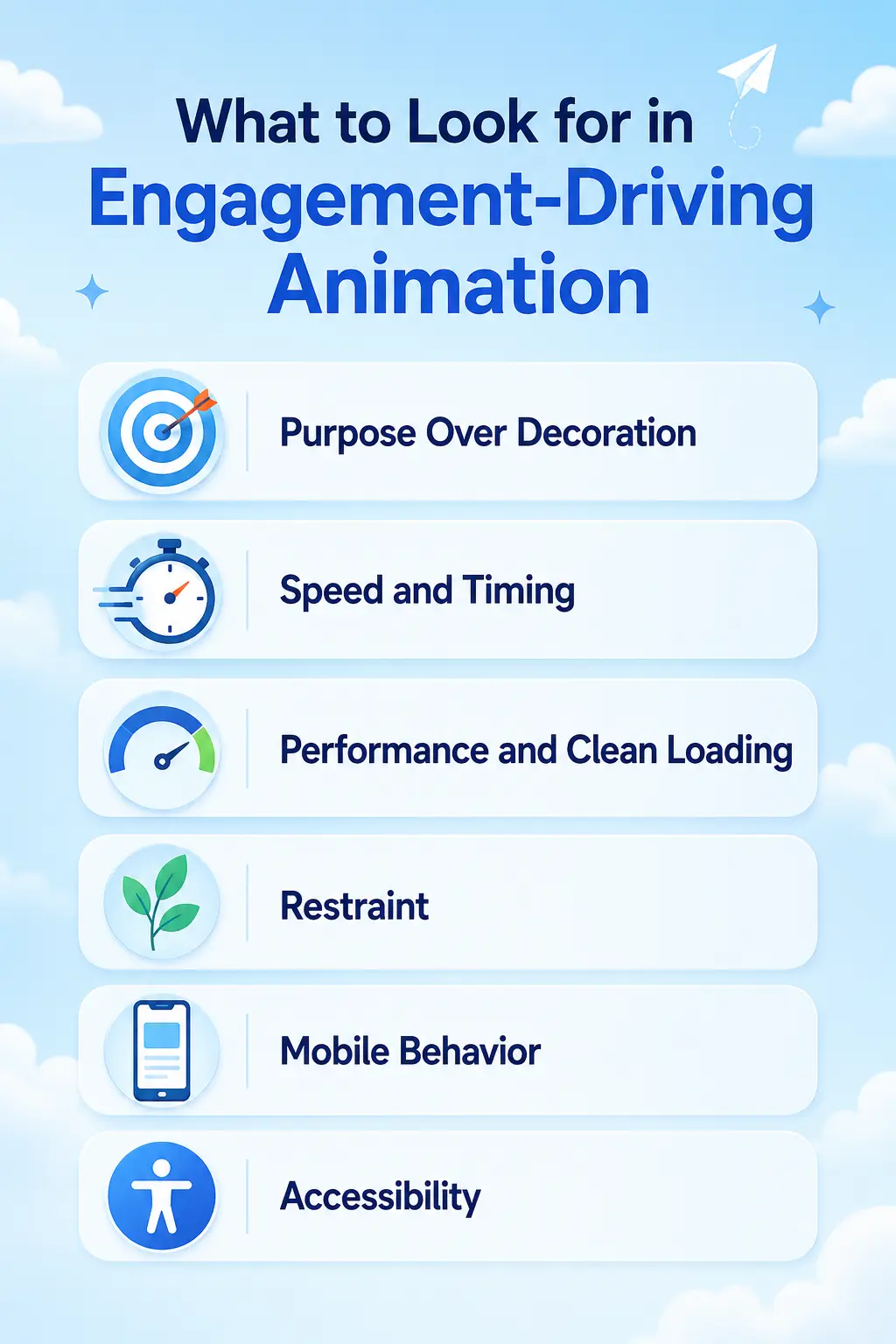
Purpose Over Decoration
Every animation should have a job: guide attention, show hierarchy, give feedback, or explain a change. If an effect exists only because it looks cool, it’s competing with your content for attention instead of supporting it. The best engagement animations are the ones users barely notice consciously but respond to instinctively.
Speed and Timing
Engagement animations should be fast, usually between 0.2 and 0.6 seconds. Motion that lingers makes an interface feel sluggish, and users perceive a slow-feeling site as a broken one. Snappy, well-timed animation feels premium; slow animation feels like waiting.
Performance and Clean Loading
A page can have beautiful animation and still fail if it stutters or delays load. Effects should be smooth at 60fps and shouldn’t block the page from becoming usable. Performance is both a ranking factor and an engagement factor, because a janky animation frustrates users faster than no animation at all.
Restraint
The engagement gain from animation is not linear. A few purposeful effects lift engagement; animating everything on the page destroys it, because when everything moves, nothing stands out. The skill is knowing what not to animate.
Mobile Behavior
Over half of web traffic is mobile, and animations that feel elegant on desktop can feel heavy or broken on a phone. The best approach lets you tune or disable effects per device rather than forcing identical behavior everywhere.
Accessibility
Some users experience discomfort or motion sickness from heavy animation. Respecting the reduced-motion setting isn’t optional; it’s part of building animation that engages your whole audience instead of alienating part of it.
Types of Animation That Increase Engagement
Rather than treating “animation” as one thing, here are the specific categories that measurably affect engagement, and the job each one does.
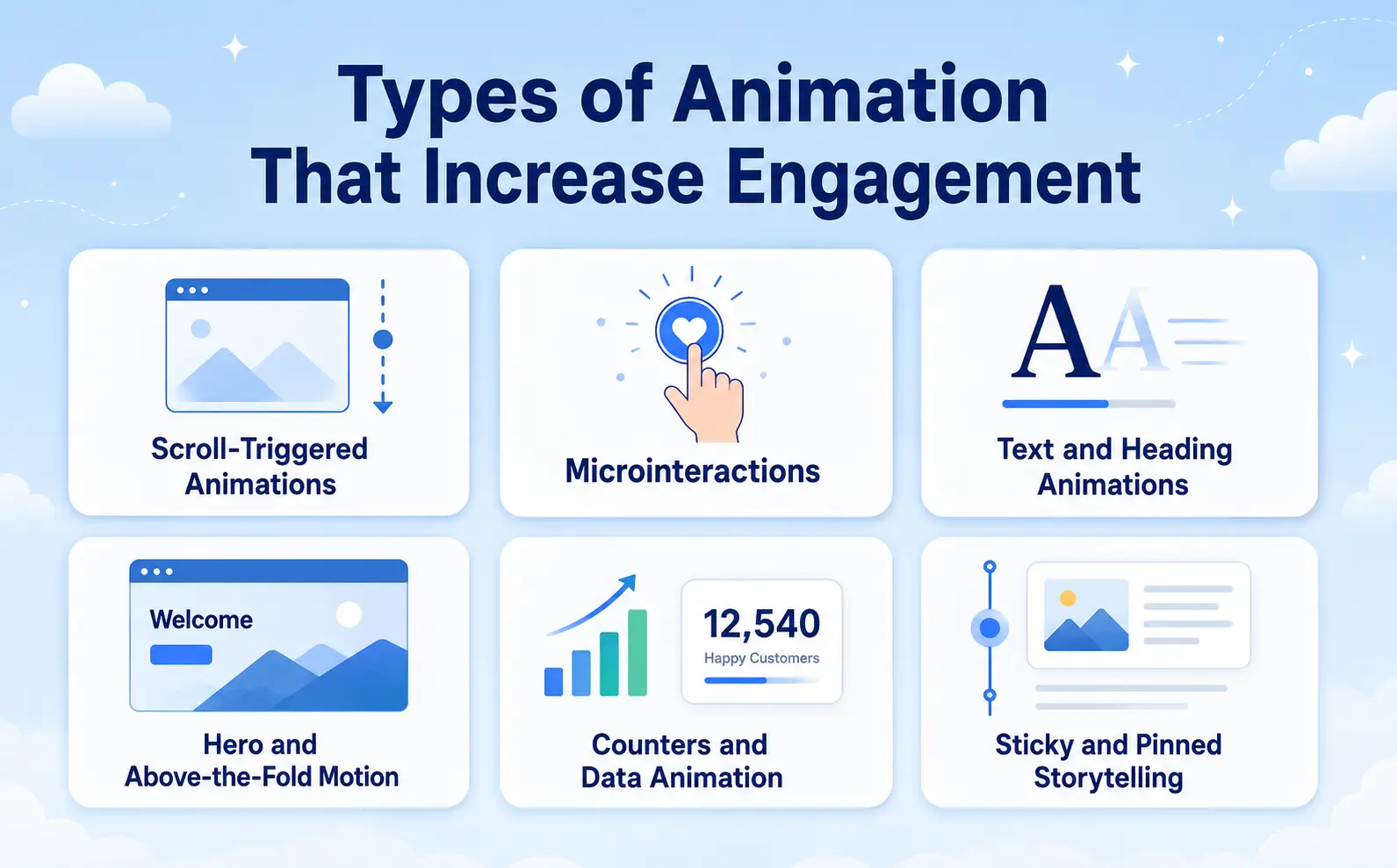
Scroll-Triggered Animations
Scroll animations reveal content as the user moves down the page, which is one of the most direct ways to keep someone scrolling. Each reveal acts as a small reward and a cue that there’s more worth seeing below. Fade-ins, slide-ins, and staggered reveals on sections, cards, and images turn a passive scroll into an active experience.
The engagement mechanism is simple: a page that responds to scrolling encourages more scrolling. Just keep reveals subtle and fast, because aggressive or slow scroll effects have the opposite result.
Microinteractions
Microinteractions are the small responses to user actions: a button that lifts on hover, an icon that animates on click, a form field that confirms input, a menu that slides open. These are among the highest-value engagement animations because they touch every interaction on the site.
Think about the last time you clicked a button and nothing seemed to happen. That half-second of uncertainty is where users hesitate and drop off. A responsive microinteraction removes that doubt instantly, which keeps people moving through your flows.
Text and Heading Animations
Animated headings, split-text reveals, and typing effects draw the eye to your most important message first. Because the headline usually carries the core value proposition, animating its entrance ensures visitors actually read it before deciding whether to stay. Used on a hero section, this is one of the highest-leverage animations on the whole page.
Hero and Above-the-Fold Motion
The area a visitor sees before scrolling decides whether they stay at all. Subtle motion here, a background parallax, a staggered entrance of the headline and CTA, or a gentle animated illustration, signals quality and pulls the visitor into the page. This is prime engagement real estate, so it’s worth the most care.
Counters and Data Animation
Animated counters, progress bars, and charts that fill on scroll make numbers feel meaningful. Instead of a static “10,000 customers,” a number that climbs draws attention and makes the stat memorable, which is why so many high-converting landing pages use it for social proof.
Sticky and Pinned Storytelling
Pinning a section while content changes around it (a product feature that updates as you scroll, for example) holds attention on a single idea and turns a long explanation into an interactive story. This keeps users engaged with complex content that a static layout would make them skim past.
Animation Types and Their Engagement Effect
| Animation Type | Primary Job | Engagement Effect | Best Placement |
| Scroll-triggered reveals | Encourage scrolling | Longer time on page, deeper scroll | Sections, cards, images |
| Microinteractions | Give feedback | Smoother flows, fewer drop-offs | Buttons, forms, menus |
| Text / split-text | Direct attention to message | Higher headline read-through | Hero, key headings |
| Hero / above-the-fold motion | Hook the visitor | Lower immediate bounce | Homepage hero |
| Counters / data animation | Make proof memorable | Stronger trust signals | Stats, social proof |
| Sticky / pinned sections | Hold attention on one idea | Better comprehension of complex content | Feature explainers, storytelling |
Effects are directional and depend on execution, placement, and restraint. Test against your own analytics before drawing conclusions.
Examples and Use Cases
Seeing how engagement animation fits real pages makes the choice clearer.
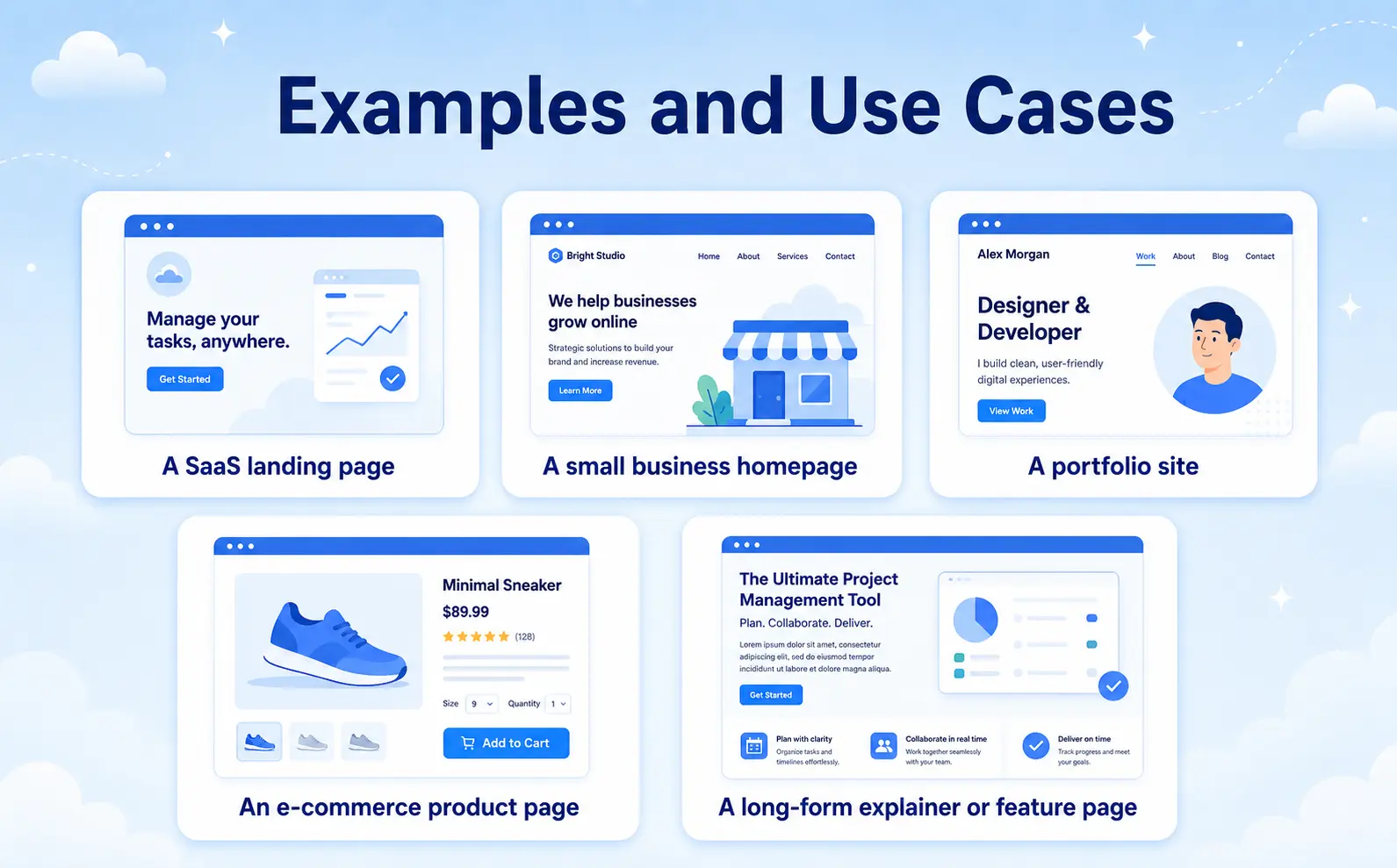
A SaaS landing page – Animate the hero headline with a split-text reveal so the value proposition lands first, add scroll reveals to feature cards so each benefit gets a moment of attention, and animate the pricing counters on scroll. The result is a page that feels guided rather than dumped on the visitor.
A small business homepage – Add hover microinteractions to service cards and buttons so the business site feels responsive, and use a gentle scroll fade on sections. Even light animation here separates a professional-feeling site from a template that looks abandoned.
A portfolio site – Use horizontal scroll or staggered reveals on the project gallery and a text animation on the intro. For creative work, the motion itself becomes part of the impression, keeping visitors browsing longer.
An e-commerce product page – Animate the “add to cart” button feedback, reveal product details on scroll, and use subtle image zoom on hover. Each microinteraction reduces hesitation at exactly the moments where shoppers decide whether to continue.
A long-form explainer or feature page – Use a sticky/pinned section so a single visual stays in place while supporting points scroll past. This turns content most visitors would skim into something they actually follow.
The pattern is consistent across all of them: animation earns its place when it makes the next action clearer or the current content easier to absorb. The more directly an effect supports the user’s goal, the more it lifts engagement.
Benefits of Using Animation for Engagement
Adding purposeful animation isn’t about looking modern. It’s about outcomes you can measure.
You keep visitors longer because scroll reveals and motion give people a reason to continue instead of leaving. You reduce bounce rate because an engaging above-the-fold experience hooks visitors in the first seconds that decide whether they stay. You improve comprehension because sequenced motion and hierarchy help users understand your message faster. You increase conversions because microinteractions and guided attention move people toward your calls to action with less friction and less hesitation.
For business owners and marketers, those benefits translate into results: more time on page, more completed forms, and more sales from the same traffic. For designers, engagement animation is what separates a memorable site from a forgettable one, and it’s increasingly what clients expect as standard rather than a bonus.
Common Mistakes to Avoid
Even well-designed sites lose engagement by getting animation wrong.
Animating everything – When every element moves, nothing stands out, and the page feels chaotic. Motion should highlight a few key things, not compete with itself.
Slow animations – Effects that take too long make the site feel sluggish. Keep engagement animations fast and snappy.
Ignoring performance. Heavy or poorly built animation causes jank and slow loads, which frustrates users faster than a static page would. Smooth 60fps motion is the baseline.
Decoration without purpose. Adding motion just because it looks impressive backfires. Every effect should guide attention, give feedback, or clarify a change.
Forgetting mobile. Animations that work on desktop can feel broken on phones. Tune or disable effects per device instead of forcing one behavior everywhere.
Skipping accessibility. Not respecting reduced-motion settings excludes users who are sensitive to movement and can actively harm the experience for them.
How MotionKit Helps
If your goal is to increase engagement with animation but you don’t want to write JavaScript, MotionKit is built for exactly that. MotionKit brings GSAP-powered, no-code animation to WordPress, so you can add the effects that actually drive engagement, scroll-triggered reveals, microinteractions, text animations, and more, using visual controls instead of code.
Instead of hiring a developer or wrestling with custom GSAP, you can animate headings, reveal sections on scroll, add hover interactions to buttons and cards, and build sticky storytelling sections directly in your existing workflow. Because the animations are GSAP-based, they stay smooth and performant, which matters, since a laggy effect hurts engagement more than no effect at all.
The advantage is that engagement-driving motion becomes something a designer can add in an afternoon rather than a project that needs an engineer.
MotionKit won’t replace a hand-coded animation studio for one-off bespoke work, but for anyone who wants professional, purposeful animation that measurably improves how visitors interact with a site, it covers the job without the code.
Final Thoughts
Animation increases user engagement when it does a job: guiding attention, building hierarchy, and giving users feedback that makes every interaction feel worth continuing. Scroll reveals keep people moving down the page, microinteractions remove hesitation, and text and hero motion make sure your most important message actually gets seen. The effects that work aren’t the flashiest; they’re the ones that quietly make the page easier and more rewarding to use.
The mistake most sites make is treating animation as decoration instead of a tool. Fast, purposeful, performance-friendly motion lifts engagement. Slow, excessive, or pointless motion sinks it. Get that balance right and animation becomes one of the most cost-effective ways to keep visitors longer and move them toward action.
FAQs
Yes, when it’s purposeful. Animation increases engagement by directing attention, creating visual hierarchy, and giving users feedback during interactions, which leads to longer time on page and lower bounce rates. The key is restraint: a few well-placed effects help, while animating everything hurts engagement.
Scroll-triggered reveals, microinteractions (like hover and click feedback), text animations, and hero motion are the highest-value for engagement. Scroll reveals keep people scrolling, microinteractions make the site feel responsive, and text animation ensures your key message gets read first.
It can if it’s built badly. Heavy scripts and slow, janky effects hurt Core Web Vitals and frustrate users. Well-built, GSAP-based animation that loads efficiently and runs at 60fps has minimal performance cost and can improve engagement signals that support SEO.
If motion is distracting you from reading the content, there’s too much of it. A good rule is to animate only what guides attention, gives feedback, or clarifies a change, and to keep every effect fast. When everything moves, nothing stands out.
No. No-code animation tools like MotionKit let you add GSAP-powered scroll effects, microinteractions, and text animations in WordPress using visual controls, so you can build engaging motion without writing JavaScript.
Watch engagement metrics before and after: bounce rate, average time on page, scroll depth, and conversion rate on the pages you animated. If time on page and scroll depth rise without conversions dropping, your animation is helping. If bounce rate climbs, the effects are likely too heavy or too slow.