
Animation and performance are usually framed as enemies. Add motion, the thinking goes, and you slow the site down, hurt your Core Web Vitals, and pay for it in rankings. That fear is why a lot of sites stay flat and static, and it’s mostly based on animation done badly, not animation itself.
The truth is that well-built animation has almost no negative effect on Core Web Vitals, and poorly built animation can wreck them. The difference comes down to specific technical choices: which properties you animate, when the animation runs, how much loads upfront, and whether motion causes layout to shift.
This guide covers exactly how. You’ll see how each Core Web Vitals metric interacts with animation, the concrete best practices that keep motion fast, the mistakes that quietly tank your scores, and how GSAP-based tools like MotionKit help you stay performant by default.
Quick Answer: To animate without hurting Core Web Vitals, animate only transform and opacity because they are smoother and do not trigger layout changes. Avoid animating layout properties like width, height, or top. Reserve space for animated elements to prevent layout shift, keep animation scripts from blocking the initial load, and respect reduced-motion preferences. Well-built GSAP-based animation follows these performance rules and can add smooth motion with minimal performance cost.
Why Animation and Core Web Vitals Get Confused
Before the best practices, it helps to understand why animation gets blamed for poor performance, because the blame is often misplaced.
Core Web Vitals measure user experience: how fast the main content loads (LCP), how stable the layout is while it loads (CLS), and how responsive the page is to interaction (INP). Animation can affect all three, but only when it’s built carelessly. The problem is that a lot of animation is built carelessly, heavy scripts loaded on every page, effects that animate layout properties and cause jank, elements that jump into place and shift everything around them. So animation gets the reputation, when the real culprit is technique.
There’s also a measurement nuance. A janky animation that stutters visually doesn’t always show up as a bad Core Web Vitals score, because the metrics measure specific things, not “smoothness” broadly. But the technical causes of jank (layout thrashing, main-thread blocking) do overlap with what hurts INP and CLS. So the same bad practices that make animation feel cheap also drag your metrics down, which is why fixing one usually fixes the other.
The productive framing is this: animation isn’t inherently a Core Web Vitals problem. Bad animation technique is. Once you know which techniques matter, you can add motion freely without watching your scores fall.
Each Core Web Vital for Animations
Before the practices, here’s how each metric actually interacts with animation, so you know what you’re protecting.

LCP (Largest Contentful Paint)
LCP measures when the main content becomes visible. Animation hurts LCP when animation scripts block or delay the rendering of that main content, or when you animate the LCP element itself in a way that delays its appearance. The fix is keeping animation from interfering with the initial render of your most important content.
CLS (Cumulative Layout Shift)
CLS measures unexpected layout movement. This is the metric animation most commonly damages: an element that animates in without reserved space pushes surrounding content around, and every shift counts against you. Entrance animations, late-loading animated elements, and effects that change an element’s size are the usual offenders. The fix is making sure animated elements never move other content unexpectedly.
INP (Interaction to Next Paint)
INP measures how quickly the page responds to user interaction. Animation hurts INP when heavy animation work runs on the main thread and blocks the browser from responding to a click, tap, or keypress. The fix is keeping animation off the main thread where possible (GPU-accelerated properties) and not overloading the page with simultaneous effects during interaction.
Understanding which metric each practice protects makes the “why” behind the rules obvious, and helps you diagnose a bad score instead of guessing.
Animation Best Practices for Core Web Vitals
These are the concrete rules that keep motion fast. Each maps to one or more of the metrics above.
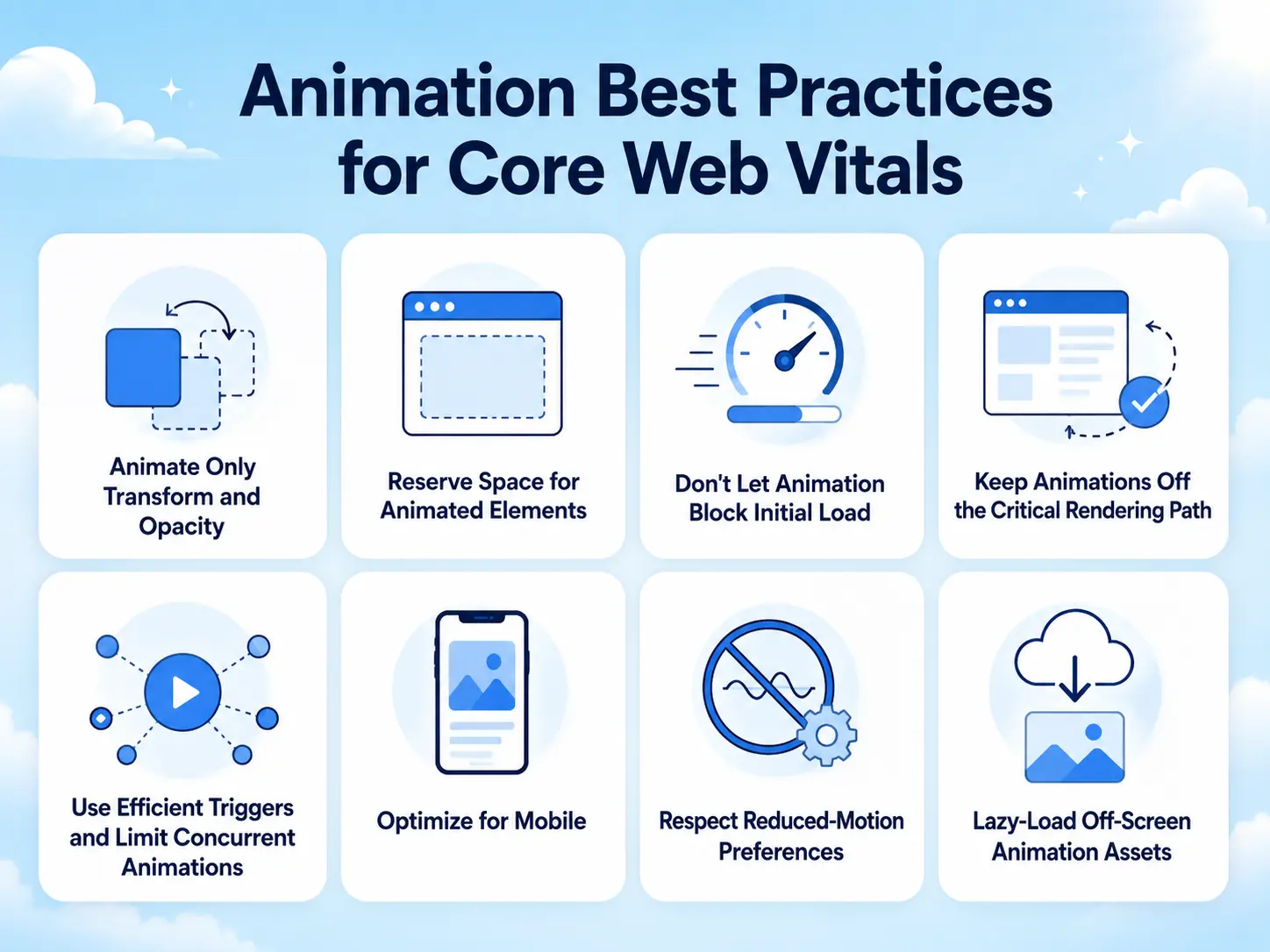
Animate Only Transform and Opacity
This is the single most important rule. transform (translate, scale, rotate) and opacity are GPU-accelerated and don’t trigger layout or paint recalculation, so they animate smoothly at 60fps without taxing the main thread. Animating layout properties, width, height, top, left, margin, forces the browser to recalculate layout on every frame, which causes jank and hurts INP. Nearly any effect you want (slide, scale, fade, move) can be built with transform and opacity.
Reserve Space for Animated Elements
To protect CLS, an animated element must not push other content around. Reserve its final space in the layout before it animates in, so it fades or slides into a spot that was already accounted for. Animating with transform (rather than layout properties) helps here too, because transforms don’t affect the surrounding layout.
Don’t Let Animation Block Initial Load
Animation scripts and libraries shouldn’t delay your main content from rendering. Load animation code efficiently (deferred or after critical content) so it doesn’t compete with LCP. The hero content should appear fast, then animate, not wait on a script to appear at all.
Keep Animations Off the Critical Rendering Path
Don’t animate the LCP element in a way that delays its visibility. If your largest content element fades in slowly, the browser may register a late LCP. Let key content appear quickly, and reserve elaborate motion for secondary elements or trigger it after the initial paint.
Use Efficient Triggers and Limit Concurrent Animations
Running dozens of animations at once, especially during scroll or interaction, loads the main thread and hurts INP. Trigger animations only when needed (for example, when an element enters the viewport), and avoid stacking many heavy effects simultaneously.
Optimize for Mobile
Mobile devices have less processing power, and mobile is where Core Web Vitals are often measured for ranking. Reduce or simplify animations on smaller screens, fewer simultaneous effects, lighter motion, so a phone isn’t struggling to render what a desktop handles easily.
Respect Reduced-Motion Preferences
Beyond accessibility, honoring the reduced-motion setting means devices and users that opt out skip heavy animation entirely, which removes any performance cost for them. It’s good practice on both fronts.
Lazy-Load Off-Screen Animation Assets
If an animation uses images, Lottie files, or video, don’t load those assets until they’re needed. Loading heavy animation assets upfront competes with your main content for bandwidth and hurts LCP.
Core Web Vitals Impact of Common Animation Choices
| Animation Choice | Metric Affected | Impact | Best Practice |
| Animating transform / opacity | INP | Minimal (GPU-accelerated) | Use these for almost everything |
| Animating width / height / top | INP, CLS | High (layout thrash) | Avoid; use transform instead |
| Entrance animation without reserved space | CLS | High (layout shift) | Reserve final space first |
| Heavy animation script blocking load | LCP | High | Defer/load efficiently |
| Animating the LCP element slowly | LCP | Medium | Let key content appear first |
| Many simultaneous animations | INP | Medium to high | Limit concurrency, trigger on view |
| Heavy assets loaded upfront | LCP | Medium | Lazy-load off-screen assets |
| Respecting reduced-motion | All | Positive | Always implement |
Impact assumes typical builds. Test your own pages with a Core Web Vitals tool before and after adding motion.
Examples and Use Cases
Applying these practices to real pages makes them concrete.
A hero section with an animated headline – Reserve the headline’s space so it doesn’t shift the subheading, animate it with transform and opacity, and let the text render first before the animation plays. Result: a premium entrance with no CLS penalty and no LCP delay.
Scroll-triggered feature cards – Trigger each card’s reveal only when it enters the viewport rather than animating all of them at load, animate with transform/opacity, and reserve their space in the grid. This keeps the main thread free and avoids layout shift as you scroll.
An animated stats counter – Reserve the width the final number will occupy so the counter doesn’t resize and push neighbors, and trigger the count only when the section is in view. Protects both CLS and INP.
A page with a Lottie or video animation – Lazy-load the asset so it doesn’t compete with hero content for bandwidth, protecting LCP, and reserve its container’s dimensions to protect CLS.
A mobile-first landing page – Simplify the motion on small screens, fewer concurrent effects, lighter reveals, so the animation that looks great on desktop doesn’t drag INP on a mid-range phone, which is where the ranking measurement often happens.
The through-line: in every case, the animation stays visually rich while the technical choices, transform/opacity, reserved space, efficient loading, deferred triggers, keep the metrics green. Good motion and good scores aren’t a trade-off when the technique is right.
Benefits of Performance-Friendly Animation
Following these practices isn’t just about passing an audit, it produces better outcomes across the board.
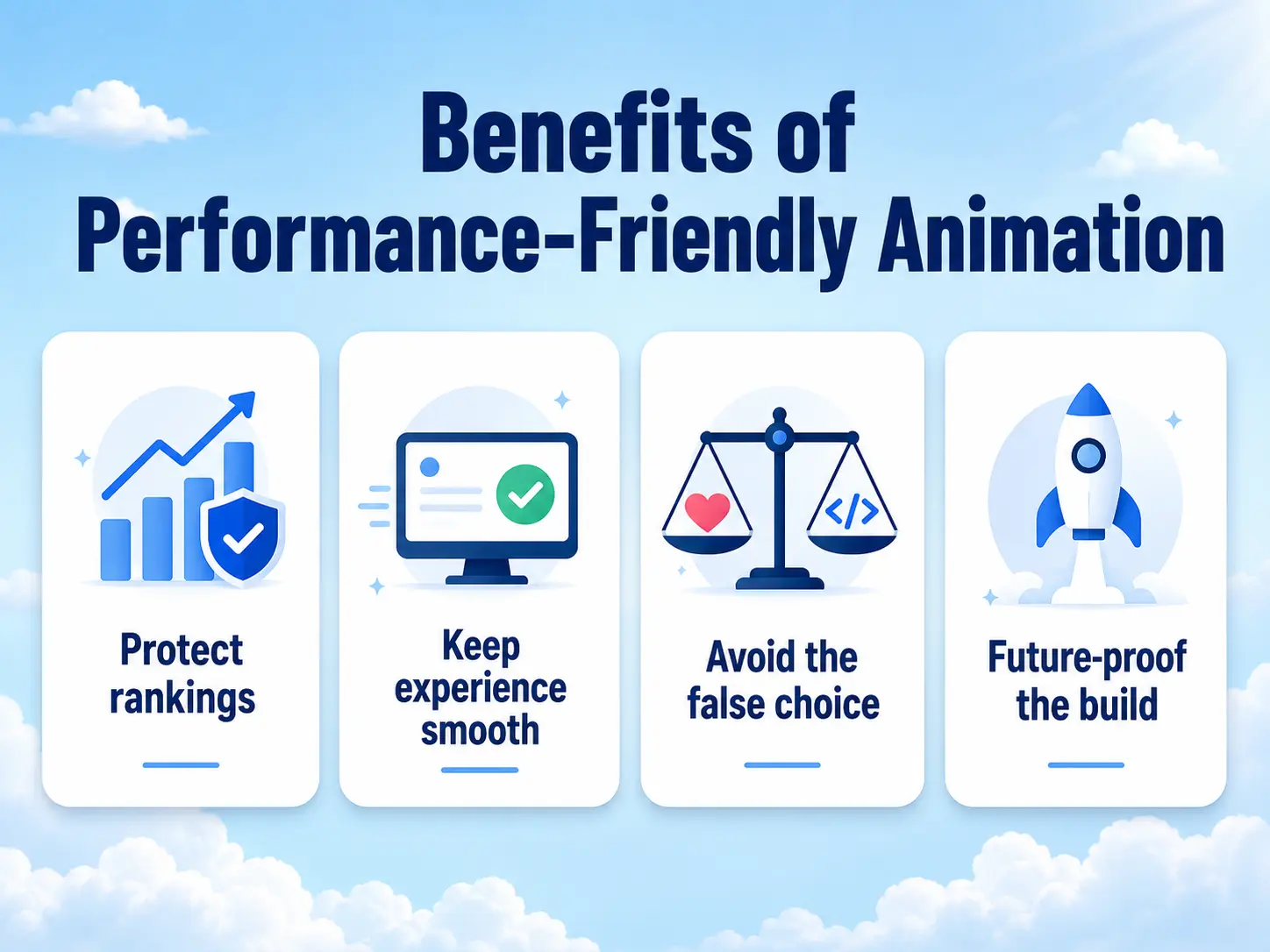
You protect your rankings because Core Web Vitals are a ranking signal, and green scores keep animation from becoming an SEO liability. You keep the experience smooth because the same techniques that protect metrics (transform/opacity, no layout thrash) are what make animation feel premium at 60fps. You avoid the false choice between a modern, animated site and a fast one, you get both. And you future-proof the build, because performance-conscious animation holds up as Google’s metrics evolve and as traffic skews further to mobile.
For SEO-conscious owners and marketers, this removes the main reason to avoid animation. For designers and developers, it means shipping motion confidently without a performance regression waiting in the audit.
Common Mistakes to Avoid
These are the errors that turn animation into a Core Web Vitals problem.
Animating layout properties – Animating width, height, top, left, or margin forces layout recalculation every frame. Use transform and opacity instead, this is the most common and most damaging mistake.
Entrance animations that shift content – Animating an element in without reserving its space pushes surrounding content around and tanks CLS. Reserve space first.
Loading animation scripts before critical content – Letting a library block the render of your main content delays LCP. Load animation code efficiently.
Overloading pages with simultaneous effects – Too many animations running at once, especially during interaction, blocks the main thread and hurts INP. Limit concurrency and trigger on view.
Loading heavy animation assets upfront – Large images, Lottie files, or video loaded eagerly compete with main content. Lazy-load them.
Ignoring mobile – Motion that’s fine on desktop can drag metrics on lower-powered phones, where Core Web Vitals are often measured. Simplify on small screens.
Skipping reduced-motion – Beyond accessibility, it’s a free performance win for users who opt out. Always implement it.
How MotionKit Helps
Most Core Web Vitals problems with animation come from technique, and the safest way to get the technique right is to use a tool that follows best practices by default. That’s where MotionKit fits.
MotionKit is built on GSAP, which is engineered to animate performantly, and its no-code effects are designed around the properties that keep metrics healthy. When you build a scroll reveal, a split-text heading, or a pinned section in MotionKit, you’re getting animation that leans on transform and opacity and triggers efficiently, rather than the layout-thrashing, load-blocking patterns that hurt Core Web Vitals. You get premium motion through visual controls without having to hand-optimize every effect.
The practical benefit is that you don’t need to be a performance engineer to animate safely. You still make sensible choices, reserve space, don’t overload a page, simplify on mobile, but the tool handles the technical foundation that would otherwise require careful coding. MotionKit won’t fix a page that’s slow for unrelated reasons, but for the animation itself, it keeps motion and metrics on the same side instead of at war.
Conclusion
Animation and Core Web Vitals aren’t enemies, bad animation technique is the enemy of both. The metrics measure load speed, layout stability, and responsiveness, and every one of them stays healthy when you follow a handful of rules: animate transform and opacity, reserve space so nothing shifts, keep scripts and assets from blocking the initial render, limit concurrent effects, and simplify on mobile.
The reason so many sites stay static is a fear based on animation done wrong. Done right, motion costs almost nothing in performance and gives you a premium, engaging experience on top of green scores. The trade-off people worry about mostly disappears once the technique is correct.
The next step is to run a Core Web Vitals check on your key pages, apply these practices to the animations you already have (or want to add), and re-test. In most cases you’ll find you can keep the motion and keep the metrics, at the same time.
FAQs
It can if it’s built badly, but well-built animation has minimal impact. Problems come from animating layout properties, causing layout shift, or blocking initial load. Animation that uses transform and opacity, reserves space, and loads efficiently keeps Core Web Vitals healthy.
transform (translate, scale, rotate) and opacity are the safe ones, they’re GPU-accelerated and don’t trigger layout recalculation. Avoid animating width, height, top, left, and margin, which force layout thrashing and hurt performance and INP.
Reserve the animated element’s final space in the layout before it animates in, so it doesn’t push other content around. Animate with transform rather than layout properties, since transforms don’t affect surrounding layout. This keeps CLS low.
Not inherently. GSAP is a lightweight, highly optimized library that animates performantly when used correctly. Slowdowns usually come from overloading a page or animating the wrong properties. Loaded efficiently and used with best practices, GSAP’s impact on Core Web Vitals is minimal.
You don’t have to disable it entirely, but simplifying animation on mobile is smart. Phones have less power and are often where Core Web Vitals are measured for ranking, so fewer concurrent effects and lighter motion help keep INP healthy on smaller screens.
Yes. The “animation vs. speed” trade-off is mostly a myth caused by bad technique. Using transform/opacity, reserving space, deferring animation scripts, lazy-loading assets, and limiting concurrency lets you have smooth, premium motion and green Core Web Vitals together.